Why Is My Crystal Pro CP10K Pod Not Working?
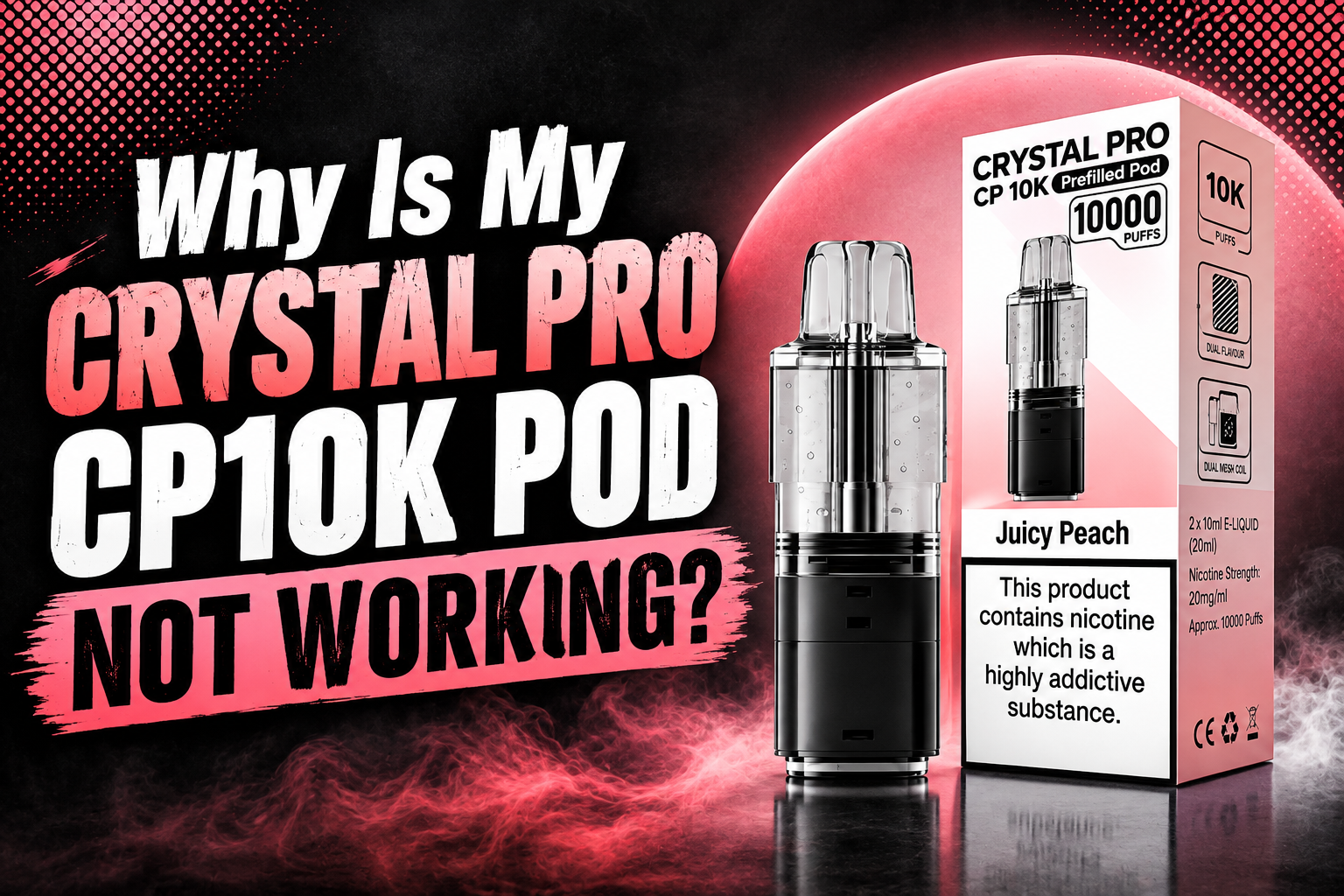
If your Crystal Pro CP10K pods not working has suddenly become a problem, don't worry. In many cases, the issue can be caused by a low battery, loose pod connection, blocked airflow, dirty contacts or a pod that needs replacing.
The Crystal Pro CP10K is a rechargeable pod device, so different parts need to work together properly. If the battery has no power, the pod is not fitted correctly or the airflow is blocked, you may find that your device does not produce vapour.
This simple Crystal Pro CP10K troubleshooting guide explains the most common Crystal Pro CP10K issues and what you should check first.
Quick Checks Before You Start Troubleshooting
Before looking for a major Crystal Pro CP10K device problem, check these simple things:
-
Make sure the device has enough battery power.
-
Check that the pod is fully fitted.
-
Remove any protective stickers or seals.
-
Check the pod and device for visible damage.
-
Look for dirt, dust or e-liquid around the electrical contacts.
-
Check the airflow system and mouthpiece for blockages.
These basic checks can solve many common CP10K pod problems without needing to replace anything.
1. Why Is My Crystal Pro CP10K Pod Not Working?
The main reasons a Crystal Pro CP10K pod not working can include:
-
Low or empty battery
-
Loose pod connection
-
Dirty pod contacts
-
Blocked airflow vape
-
Damaged or worn pod
-
Charging cable problem
-
Empty or faulty pod
-
Device activation problem
Start with the easiest checks first. Charge the device, remove and reconnect the pod, and make sure all connection areas are clean and dry.
If you are wondering, why is my CP10K vape not working, checking the battery and pod connection should always be your first step.
2. Crystal Pro CP10K Not Producing Vapour
A common Crystal Pro CP10K vape not working issue is when you inhale but get no vapour.
Possible Reasons
The battery may be too low, the pod may not be connecting correctly or there may be a problem with the airflow system. A worn pod can also cause a Crystal Pro CP10K no vapour problem.
What to Do
-
Charge the device fully.
-
Remove and reinsert the pod carefully.
-
Make sure the pod sits securely.
-
Check the mouthpiece for dust or blockage.
-
Check for a loose pod connection.
-
Wipe the contact points with a clean, dry tissue.
-
If the problem continues, stop using a damaged pod and follow the product instructions for replacement.
If your CP10K pod stopped producing vapour, the pod itself may have reached the end of its usable life.
3. Crystal Pro CP10K Not Charging Properly
A Crystal Pro CP10K charging problem can happen for several reasons. The issue may not always be the battery itself.
Common causes include:
-
A damaged charging cable
-
Dirt inside the charging port
-
A loose USB connection
-
A device charging problem
-
A battery that is no longer working correctly
How to Check a CP10K Not Charging Issue
First, inspect the charging cable for visible damage. Then check the charging port for dust or lint. Use only a suitable and compatible charging setup.
Do not use a damaged cable. If the device becomes unusually hot, damaged or behaves in an unusual way during charging, stop using it and seek advice from the retailer or manufacturer.
If your Crystal Pro CP10K battery not charging problem continues after checking the cable and port, the device may need professional support or replacement.
4. CP10K Pod Not Working After Charging
Sometimes a user charges the device but finds the CP10K pod not working after charging.
In this case, check whether the pod is fitted correctly. A charged battery will not help if there is a pod connection issue.
Remove the pod and look at the connection area. Make sure there is no liquid, dust or other material stopping the connection. Gently wipe the electrical contacts with a dry tissue and reinsert the pod properly.
Never force the pod into place. If the pod does not fit correctly, check that it is compatible with your device.
5. Crystal Pro CP10K Pod Not Connecting
A Crystal Pro CP10K pod not connecting can happen when the connection points are dirty, wet or not lined up properly.
How to Check the Pod Connection
-
Remove the pod from the device.
-
Check the bottom of the pod for dirt or moisture.
-
Check the device connection area.
-
Clean the area gently with a dry tissue.
-
Make sure everything is dry.
-
Reinsert the pod carefully.
Dirty pod contacts can stop the device from recognising the pod. This is one of the most common battery connection issues and pod connection problems.
If your device still does not respond, the pod may be faulty or the device may have another problem.
6. Why Is My Vape Not Activating?
The Crystal Pro CP10K uses a draw-activated system. This means the device should activate when you inhale correctly.
If you are asking, why is my vape not activating, check these areas:
-
Battery power
-
Pod connection
-
Airflow system
-
Mouthpiece
-
Airflow blockage
-
Pod condition
A blocked airflow vape may affect normal activation. Dust, lint or condensation around the airflow area can sometimes cause problems.
Take a slow, normal draw after checking the device. Avoid forcing or hitting the device if it does not activate.
7. Crystal Pro CP10K Suddenly Stopped Working
If your Crystal Pro CP10K suddenly stopped working, do not assume the whole device is broken straight away.
Check:
-
Is the battery charged?
-
Is the pod connected properly?
-
Are the electrical contacts clean and dry?
-
Is there any visible damage?
-
Is the airflow blocked?
-
Has the pod reached the end of its usable life?
A Crystal Pro CP10K device stopped working problem may have a simple cause. However, if the device shows no response, does not charge and does not work after basic checks, stop using it and contact the seller or manufacturer for support.
8. Weak Vapour Production or Reduced Performance
Weak vapour production is another common pod vape problem.
You may notice:
-
Weak vapour production
-
Less flavour than before
-
A weaker draw
-
Inconsistent device performance
-
No vapour from pod
A low battery may affect battery power and overall device performance. The pod may also be reaching the end of its usable life.
Check the battery indicator if your device provides one. If the battery is charged and the pod is fitted properly but performance is still poor, check the pod condition and follow the manufacturer's instructions.
9. Check for a Vape Airflow Blockage
A vape airflow blockage can make the device harder to use or stop normal vapour production.
Check the:
-
Mouthpiece
-
Airflow holes
-
Pod connection area
Remove visible dust or debris carefully. Do not use sharp objects that could damage the pod or airflow system.
If there is liquid or condensation around the connection, wipe it gently with a dry tissue.
A clean airflow system is an important part of normal vape device care and device maintenance.
10. Crystal Pro CP10K Not Firing
If your Crystal Pro CP10K not firing, the problem may be related to the battery, pod activation or connection.
Try these simple checks:
-
Charge the battery.
-
Remove and reconnect the pod.
-
Clean the electrical contacts.
-
Check for a blocked mouthpiece.
-
Make sure the pod is not damaged.
-
Check for signs that the pod needs replacement.
If your CP10K device not responding continues after these checks, do not keep forcing the device to work.
11. Can Dirty Contacts Stop a Pod From Working?
Yes. Dirty or wet contact points can sometimes create a pod connection problem.
The electrical contacts help the battery power reach the pod. If e-liquid, dust or dirt builds up around the connection area, the device may not work correctly.
How to Clean Vape Contacts
Remove the pod first. Use a clean, dry tissue to gently wipe the contact area. Make sure the device and pod are completely dry before putting the pod back.
Avoid pouring liquid or water into the device. This can cause more serious problems.
12. Crystal Pro CP10K Pod Has No Power
If your Crystal Pro CP10K pod has no power, the issue may actually come from the device battery rather than the pod.
Check whether:
-
The battery needs charging.
-
The charging cable is working.
-
The charging port is clean.
-
The pod is connected correctly.
-
The device is showing any battery indicator.
A vape battery problem can cause no vapour, weak performance or a device that does not activate.
If you are asking, how do I know if my vape battery is dead, check whether the device responds to charging and whether any normal battery or charging indicator appears. If there is no response and the device may be damaged, stop using it.
13. What Causes a Pod Vape to Stop Working?
There are many possible reasons why a prefilled pod system or rechargeable pod device can stop working.
Common causes include:
-
Low battery
-
Empty battery power
-
Damaged charging cable
-
Charging port problem
-
Dirty pod contacts
-
Loose pod connection
-
Blocked airflow
-
Worn pod
-
Damage to the device
Regular device maintenance can help you spot simple issues early.
14. When Should You Replace Your Pod?
You may need a pod replacement if you notice:
-
No vapour after checking the battery and connection
-
Weak or reduced vapour production
-
Consistently poor device performance
-
A damaged pod
-
Ongoing problems with the pod connection
Do not continue using a pod that is visibly cracked, leaking or damaged.
If a new compatible pod works normally while the old one does not, the old pod may have reached the end of its usable life.
What Should I Do If My Vape Stops Working?
If you are asking, what should I do if my vape stops working, follow this simple order:
-
Check the battery power.
-
Check the charging cable.
-
Check the charging port.
-
Remove and reconnect the pod.
-
Check for dirty pod contacts.
-
Check the airflow system.
-
Look for visible damage.
-
Check whether the pod may need replacement.
This simple vape troubleshooting process can help you find many common problems without guessing.
When Should You Stop Using the Device?
Stop using the device if it appears seriously damaged, becomes unusually hot, leaks heavily, has a damaged charging port or continues to malfunction after basic checks.
Do not try to take the device apart or repair internal electrical parts yourself. Contact the retailer or manufacturer for the correct support.
Crystal Pro CP10K Troubleshooting: Final Thoughts
A Crystal Pro CP10K not working issue can often be linked to a simple problem such as low battery power, a dirty connection, a loose pod or blocked airflow.
Start with the basic checks before assuming there is a serious pod device malfunction. Charge the device, check the pod connection, clean the contact points and inspect the airflow system.
If your Crystal Pro CP10K pod not working problem continues after these steps, or the device is damaged or behaving unusually, stop using it and contact the seller or manufacturer for further support.
Frequently Asked Questions
Why is my Crystal Pro CP10K pod not working?
Your pod may not work because of a low battery, loose connection, dirty contacts, airflow blockage or a worn or damaged pod.
Why is my CP10K not producing vapour?
Check the battery, pod connection and airflow first. Weak or no vapour can also happen when the pod has reached the end of its usable life.
Why is my Crystal Pro CP10K not charging?
Check for a charging cable problem, dirt in the charging port or damage to the device. Stop using damaged charging equipment.
Why has my CP10K suddenly stopped working?
Check the battery power, pod connection, electrical contacts and airflow. If the device has no response after these checks, contact the retailer or manufacturer.
What should I do if my CP10K pod stops working?
Remove and reconnect the pod, check the contacts, make sure the battery is charged and inspect the device for damage.
How do I check if my CP10K battery is charged?
Check the battery indicator or charging response provided by your device. If the device gives no normal response to charging, there may be a battery or charging issue.
Why is my pod not connecting properly?
The connection may be loose, dirty or wet. Remove the pod, gently clean the contact area with a dry tissue and reconnect it correctly.
Can dirty contacts stop a pod from working?
Yes. Dirt or moisture around the electrical contacts can cause a pod connection issue and may stop the device from working properly.
Why is my vape not activating?
Check the battery, pod connection and airflow system. A blocked airflow area or connection problem may affect normal pod activation.
When should I replace my pod?
Consider replacing the pod if it is damaged or consistently produces weak or no vapour after the battery, connection and airflow have been checked.